

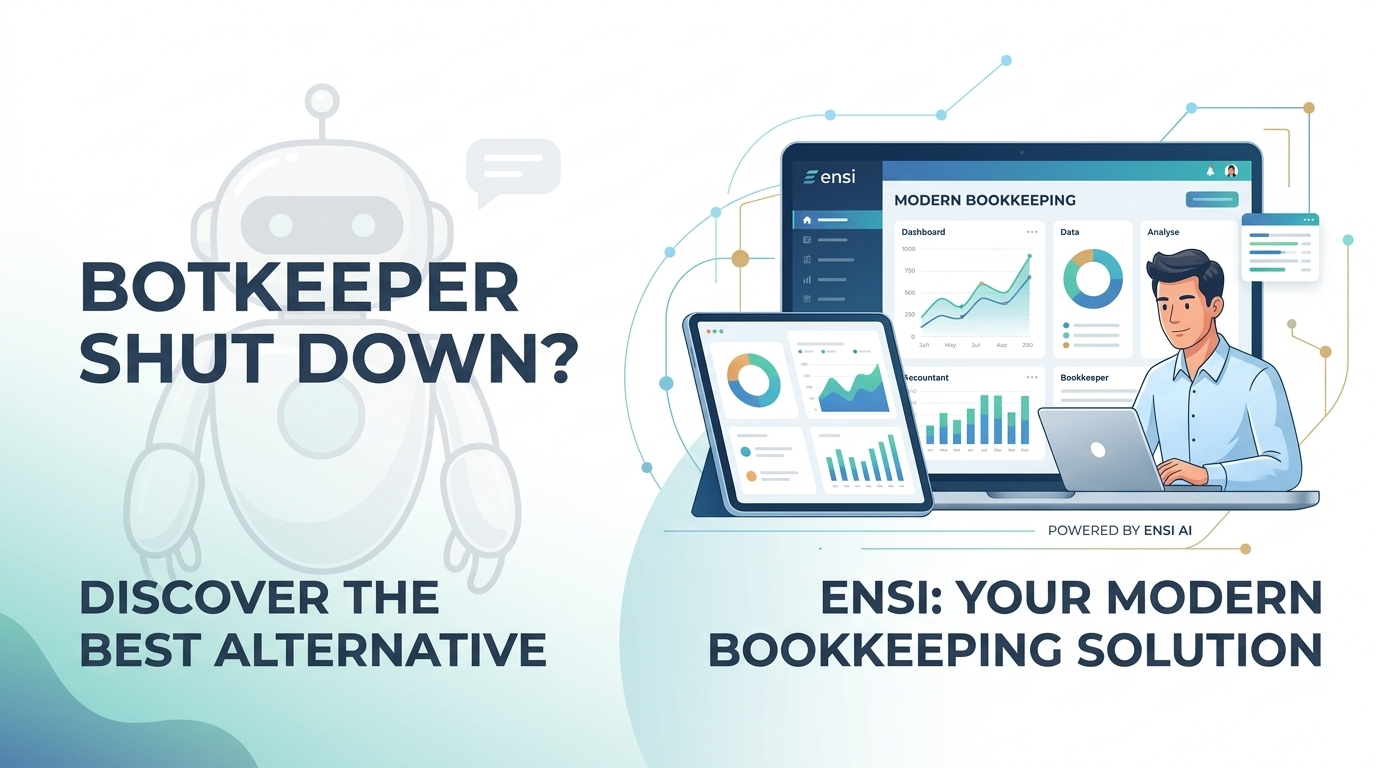
Industry Analysis · Migration Guide · CPA Firms · 2026
Botkeeper shut down in February 2026 — and post-mortem industry analysis revealed the platform’s AI claims were largely a facade. If you’re searching for a replacement, this guide tells you what Botkeeper was really doing, what went wrong, and how to evaluate vendors so you never end up in this position again.
- Botkeeper’s AI was largely a facade. Post-mortem industry analysis confirmed the platform ran primarily on offshore human labor in the Philippines — not the autonomous AI it marketed to firms for over a decade.
- Ensi is the strongest Botkeeper replacement for CPA and bookkeeping firms on QuickBooks Online — with genuine AI automation, auto-categorization that learns, full monthly close workflow, per-client pricing, and a transparent human-in-the-loop model.
- For firms managing clients on both QBO and Xero, Booke AI handles categorization well with a strong client exception portal.
- For multi-entity or franchise clients with complex AP/AR needs, Docyt is the most feature-complete option (from $50/mo per module).
- Intuit Assist on QBO Plus includes AI-powered reconciliation and anomaly detection across reports, included in the Plus plan ($110/mo). The most expensive option here but zero added-cost for firms already on Plus, but lacks flux analysis, close workflows, and client reporting.
- The core lesson: ask every AI vendor exactly what is automated vs. human-operated. The Botkeeper story shows why vendor claims cannot be taken at face value.
Botkeeper was marketed as one of the most advanced AI bookkeeping platforms in accounting. Its closure in early 2026 left hundreds of CPA practices mid-close with no migration path — but the deeper industry reckoning that followed was more revealing: post-mortem analysis confirmed that Botkeeper’s “AI” was, in large part, a carefully constructed illusion backed by offshore human labor.
This guide covers what Botkeeper was really doing behind the curtain, why the model collapsed, what genuinely automated AI looks like, and a clear comparison of the strongest replacements for small and mid-sized CPA firms today.
Was Botkeeper actually using AI?
The short answer: not in the way they marketed it. While Botkeeper did use basic machine learning algorithms for rules-based transaction categorization, the core of their business model relied heavily on cheap, outsourced manual labor masquerading as artificial intelligence.
Following the shutdown, the accounting industry underwent a significant reckoning about what the platform actually was behind the curtain. Industry audits and insider disclosures revealed a picture very different from the “autonomous software bots” Botkeeper had raised nearly $90 million in venture capital to promote.
Instead of sophisticated AI doing the heavy lifting, Botkeeper deployed large teams of human accountants in the Philippines to manually process, clean, and reconcile financial data. The “bots” were primarily humans typing behind a software interface overlay.
Over its 11-year run, the platform largely functioned as a traditional, tech-enabled offshoring company. Basic machine learning handled simple categorization rules, but the heavy lifting — exceptions, reconciliation, close tasks — was human work.
Botkeeper officially described its product as “human-assisted AI.” In practice, this was a semantic loophole: the human wasn’t just assisting the AI — the humans were the system. The AI assisted the humans, not the other way around.
True software companies scale at near-zero marginal cost. Because Botkeeper actually had to pay for massive amounts of human labor to deliver each client engagement, its margins never matched the software valuations investors expected.
When Botkeeper launched over a decade ago, modern LLMs didn’t exist. By 2026, genuinely AI-native competitors emerged — platforms that autonomously review transactions without offshore labor centers, making Botkeeper’s labor-heavy model obsolete overnight.
Transaction categorization, reconciliation, exception handling, and close support — real capabilities, real value — but delivered primarily by human labor at offshore cost, not by the autonomous AI Botkeeper’s marketing implied.
Why Botkeeper collapsed
The illusion of AI bookkeeping eventually ran into the hard reality of flawed unit economics. Botkeeper raised nearly $90 million in venture capital by selling a vision of autonomous software bots managing general ledgers 24/7. But because it was actually paying for massive amounts of human labor to deliver that service, its margins never delivered the growth investors demanded from a software company.
When per-entity pricing came under scrutiny, firm growth slowed, and genuinely AI-native competitors emerged in 2025–2026, the gap between Botkeeper’s “software company” valuation and its “offshore services” reality became impossible to close. According to the CEO’s shutdown statement, a “perfect storm” of macroeconomic shifts eliminated a sustainable path forward. Acquisition talks, lender negotiations, and bridge capital efforts all fell through.
The shutdown left firms with three immediate problems: client data trapped in a platform with uncertain access windows, workflow gaps mid-close cycle with no backup system, and client trust at risk when deliverable timelines slipped.
The deeper lesson for the accounting profession: because accounting is a highly regulated, standards-based industry, firms must apply strict skepticism to AI vendor claims. If a vendor claims full automation, firms should actively audit where the labor is happening and exactly what is automated versus human-operated. The Botkeeper story is the case study that changed how sophisticated CPA practices evaluate technology.
What to look for in a Botkeeper replacement
After Botkeeper, two questions matter most: does this platform actually use AI, and is the business model built to last? Here’s the complete evaluation checklist:
- Genuine AI automation, not offshore labor in disguise — ask vendors specifically: what percentage of work is handled by software vs. humans? Where are the humans located, and what are they doing?
- High transaction categorization accuracy — AI-driven classification that handles splits, classes, and custom rules, not just basic pattern matching with human cleanup behind the scenes
- AI reconciliation and anomaly detection — software that flags discrepancies automatically, not a review queue routed to an offshore team
- Full month-end close workflow — recurring task templates, close tracking, reminders, and flux analysis built into the platform
- Deep QuickBooks Online integration — native two-way sync; QBO stays your system of record no matter what happens to the vendor
- Transparent human-in-the-loop — your staff reviews and approves AI suggestions before anything posts. This is a feature, not a liability — it’s the opposite of Botkeeper’s model where the “human in the loop” was an undisclosed offshore workforce
- No hidden offshore staffing dependency — the exact failure mode that brought Botkeeper down
- Sustainable unit economics — software-first pricing that doesn’t require growing headcount to serve more clients
- Transparent per-client pricing — predictable costs that scale with your revenue, not against it
- Your data stays yours — QBO as the immovable system of record; you can exit the vendor without losing your books
The best Botkeeper alternatives in 2026
Where Botkeeper used human accountants in the Philippines to do the work its “bots” were supposed to be doing, Ensi uses actual AI — trained specifically on accounting workflows — to handle categorization, reconciliation, journal entries, anomaly detection, and flux analysis. Your staff reviews and approves every suggestion before it posts to the ledger. QBO stays your permanent system of record. And because Ensi is genuine software (not a disguised services operation), the per-client pricing model scales with your revenue rather than with headcount.
The result: firms typically cut monthly close times by over 50% while improving accuracy — freeing staff to focus on the advisory and client work that actually differentiates a modern CPA practice.
- Per-client pricing — transparent and scalable
- Full monthly close workflow included
- Native deep QBO integration — QBO stays your system of record
- No offshore staffing dependency
- Human review required before any ledger post
- Flux analysis and cash reporting built in
- Fast onboarding — up and running in days
- Primarily optimized for QBO — Xero support available but QBO is the core integration
- Focused on SMB bookkeeping; complex multi-entity clients may require Docyt
- Supports both QBO and Xero natively
- Client exception portal reduces email friction
- Fast, accurate transaction categorization
- Limited monthly close and reporting depth
- No flux analysis
- Per-client pricing compounds at scale
- Strong AI-driven automation across AP/AR
- Best suited for multi-entity / franchise clients
- Real-time processing and dashboards
- Full month-end close workflow
- High configuration overhead at setup
- Module-based pricing escalates quickly
- Learning curve during implementation
- Overkill for straightforward SMB bookkeeping
- AI-powered reconciliation with root-cause issue detection
- Anomaly detection across Balance Sheet and P&L reports
- Ready-to-post batching reduces manual review time
- Zero migration or onboarding friction
- No flux analysis or variance explanations
- No full month-end close workflow or task tracking
- No client-facing cash reports or forecasting
- Reconciliation AI is supplemental, not a full close substitute
- Expensive at $110/month
Side-by-side feature comparison
| Feature | Ensi | Booke AI | Docyt | Intuit Assist (QBO Plus) |
|---|---|---|---|---|
| QuickBooks native | ✓ Deep | ✓ Yes | ✓ Yes | ✓ Built-in |
| Xero support | Limited | ✓ Full | ✓ Yes | — |
| Auto-categorization | Best | Better | Good | Good |
| Anomaly detection | ✓ Full | Partial | ✓ Full | P&L & BS reports |
| Flux analysis | ✓ Full | — | Partial | — |
| Monthly close support | ✓ Full | Partial | ✓ Full | Partial |
| Accruals & journal entries | ✓ AI-assisted | — | ✓ Yes | — |
| Cash flow reporting | ✓ Weekly reports | — | Partial | — |
| Human-in-the-loop | ✓ Always | ✓ Yes | ✓ Yes | ✓ Yes |
| Offshore dependency | None | None | None | None |
| Pricing model | Per client | Per client | Per module | Incl. in QBO Plus |
| Starting price | $ | $$ | $$ ~$50/mo/module | $$$ ~$110/mo (Plus plan) |
How to choose the right tool for your firm
Before committing to any platform, work through these six questions:
How to audit an AI vendor’s claims — the post-Botkeeper checklist
The accounting profession learned a hard lesson in 2026: vendor claims about AI cannot be taken at face value. Here are the specific questions every CPA firm should ask before committing to any AI bookkeeping platform:
-
1Ask: “What percentage of work is done by software vs. humans?”A legitimate AI vendor can answer this specifically. If the answer is vague, evasive, or describes a “hybrid model” without quantifying what AI actually handles, treat that as a red flag. Botkeeper’s answer would have been: humans do most of it.
-
2Ask: “Where are your humans located and what are they doing?”There’s nothing wrong with a human-in-the-loop model — Ensi uses one. The issue is undisclosed offshore labor doing the work the software was supposed to do. Know exactly what humans are in your workflow and why.
-
3Ask: “Can you show me a live demo on real transaction data?”A platform powered by genuine AI can demonstrate its categorization and reconciliation in real time on your actual data. If the demo only shows pre-curated examples, push back. Edge cases reveal everything.
-
4Ask: “What happens to my data and my books if you shut down?”Your system of record must remain accessible and current regardless of vendor status. Any platform that holds your books — rather than syncing approved changes back to QBO — creates a single point of failure. Botkeeper proved what happens when that fails.
-
5Ask: “What is your revenue model and path to profitability?”Botkeeper’s collapse was partly a VC-funding story: a services company priced like software until the math stopped working. Ask whether the pricing model requires headcount to grow with client volume. If yes, you’re buying a services firm, not software.
-
6Ask: “Who approves transactions before they post to the ledger?”The answer should be: your staff. AI should suggest, flag, and prepare — but your team makes the final call on every ledger entry. If a vendor’s model autonomously posts without your review, that’s a risk, not a feature.
How to migrate off Botkeeper without disrupting clients
If you’re mid-transition, here’s the sequence that minimizes client disruption:
-
1Secure your data immediatelyExport all client data from Botkeeper now — transaction histories, categorization rules, reconciliation records, and any custom reporting. Store copies in multiple secure locations (cloud and local). Assume access could end without notice.
-
2Document your existing Botkeeper workflowsMap every process that ran inside Botkeeper — month-end procedures, exception handling routines, recurring task triggers, approval stages. You need to know exactly what you’re rebuilding before you start the rebuild.
-
3Audit your QuickBooks filesFor each client, verify QBO is current and complete. Botkeeper should have been syncing back, but confirm nothing is missing in the ledger before migrating to a new platform.
-
4Pilot with a small group of clients firstIdentify which clients have an upcoming close and migrate those first. Run 3–5 clients through the new system before firm-wide rollout to surface integration issues and training gaps early — when they’re still cheap to fix.
-
5Communicate proactively with clientsA short, professional note explaining you’re upgrading your technology platform — without dwelling on the Botkeeper situation — maintains client confidence. Focus on continuity and timeline, not the backstory.
-
6Train your team before full rolloutStart with vendor-provided resources, then hands-on practice covering the full workflow: dashboards, automation, exception handling, and reporting. Role-specific training prevents adoption gaps after launch.
-
7Track transition KPIs for 90 daysMeasure close turnaround time, reconciliation errors, uncategorized transaction rates, and client document delays against your pre-migration benchmarks. AI categorization calibrates to your specific client portfolio over the first billing cycle — don’t draw final performance conclusions until then.
Why Ensi is the answer to what Botkeeper promised but never delivered
Botkeeper sold CPA firms a vision of genuine AI automation — and then delivered offshore labor dressed in software clothing. The gap between that promise and reality is exactly what Ensi was built to close.
Ensi uses actual AI — large language models and machine learning trained specifically on accounting workflows — to automate the categorization, reconciliation, and close work that Botkeeper was having humans do behind the scenes. The architecture is fundamentally different: software does the volume work, your staff does the review, and QBO stays your permanent system of record. No offshore labor. No fake automation margins. No single-vendor fragility.
- Real AI, not offshore labor. Ensi’s 80%+ categorization accuracy is delivered by AI software that improves over time — not a team of human accountants in the Philippines working behind a software interface. You can verify this in a live demo on your own transaction data.
- Transparent human-in-the-loop. Unlike Botkeeper’s undisclosed offshore workforce, Ensi’s human-in-the-loop is your own staff — reviewing AI suggestions, approving entries, and maintaining professional control of the ledger. This is how it should work.
- Your books stay yours. Every approved Ensi action syncs back to QBO. If Ensi shut down tomorrow, your books are current, intact, and entirely in QuickBooks. There is no Botkeeper-style data hostage situation.
- Software economics, not services economics. Ensi’s cost model isn’t tied to headcount or offshore labor. Per-client pricing scales with your revenue — adding clients doesn’t require adding Ensi staff.
- Your team becomes more valuable. Ensi eliminates the grunt work so your bookkeepers and accountants focus on review, advisory, tax planning, and client relationships — the work that actually builds your firm.
- Clients notice the upgrade. Faster closes, consistent reporting, actionable weekly cash reports, and proactive insights give your firm the tools to deepen client trust — not just maintain it.
Frequently asked questions
See what real AI bookkeeping actually looks like
Botkeeper promised AI and delivered offshore labor. Ensi delivers the genuine article — real automation, transparent human review by your own staff, and QBO as your permanent system of record. Book a 30-minute demo and we’ll show you the categorization and close workflow live on your own transaction data.